
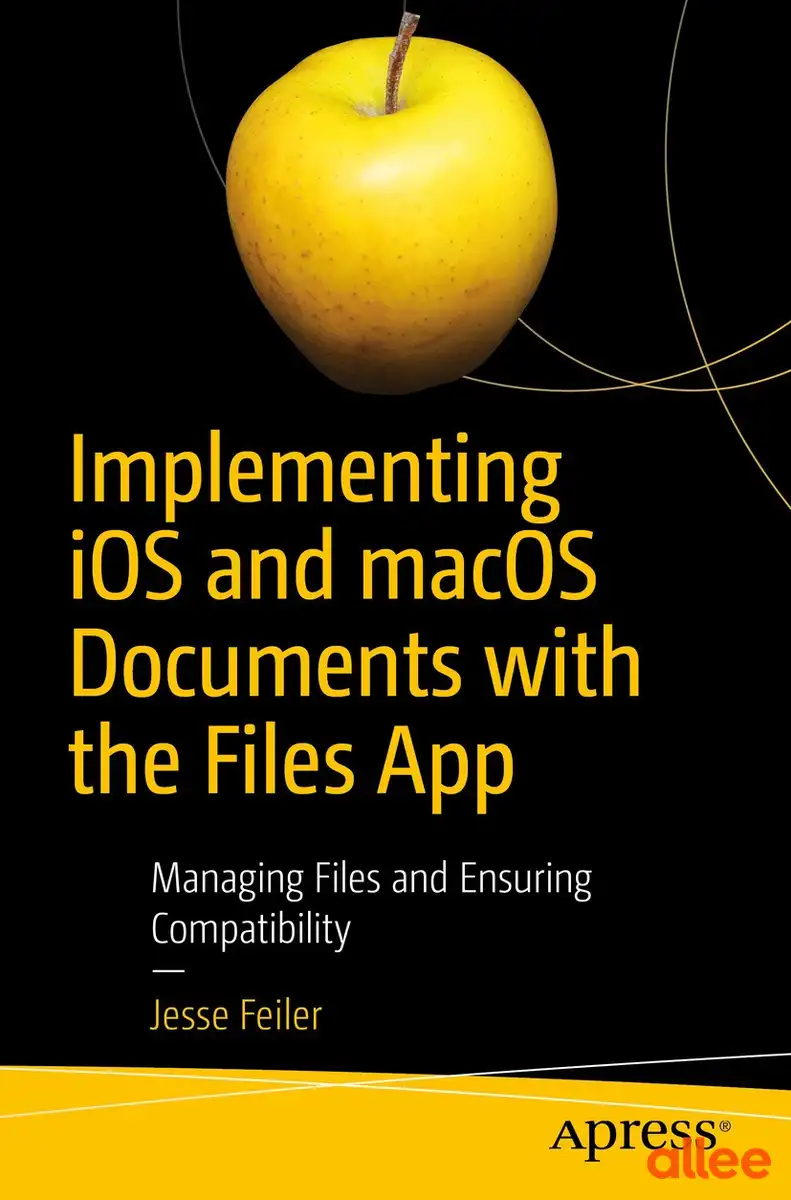
 Najedź, aby powiększyć1 / 1
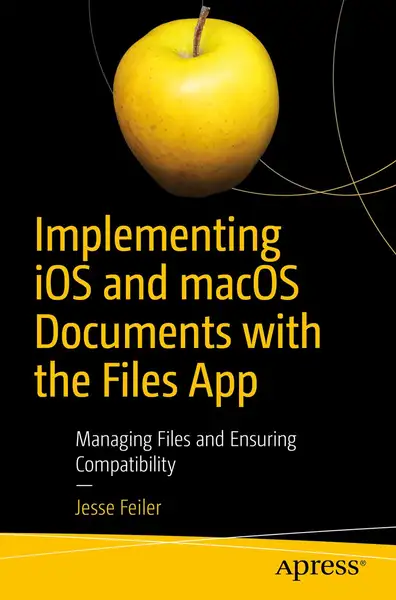
| Stan | Nowy |
| Sprzedawca | Legimi.pl |
Rise above the basics of Xcode app development to implement tools like Share buttons and activity view controllers to share document content including parts of documents with other users and with other devices. This boo…
Sprzedaje i wysyła Legimi.pl — sklep partnerski allee.
Dodaj do koszyka, złóż zamówienie, a dostaniesz link do zakupu w sklepie.
Według zasad sklepu partnerskiego Legimi.pl.
Rise above the basics of Xcode app development to implement tools like Share buttons and activity view controllers to share document content including parts of documents with other users and with other devices. This book fills the gap so that developers with even a fundamental knowledge of iOS and Swift can implement document creation, saving, and sharing in their apps.
Since the launch of iPhone in 2007, users and developers have struggled with the fact that the file system is hidden. Fortunately the Files app in iOS 11 now offers this feature and it is supported by Apple apps such as Numbers, Pages, and Keynote as well as by the few third-party apps that support documents.
By using the standard formats described in this book, you can make your app’s data shareable to and from other apps like Numbers, Pages, and Word. Files also provides an interface to tools such as Dropbox and iCloud so that users can open and modify documents in them. If you combine standard formats such as .doc, .docx, .jpeg, and .jpg with Dropbox and eMail, you have a simple way to implement and use cross-platform sharing to Macs, PCs, and Android devices.
Implementing iOS and macOS Documents with the Files App provides the combination of skills developers need to build these types of apps—working with files and constructing documents.
What You'll Learn
• Add Document Support to Your Apps
• Share your documents with iCloud and Apple IDs across your Mac and iOS devices
• Use standard formats from .doc, .docx, .png, and .jpeg both for input and output
• Manage and organize documents
Who This Book Is For
Developers with a basic knowledge of app development and Swift. You should already know how to use Xcode to create an app. Knowledge of basic Swift syntax is recommended. The book can also be a useful overview and guide to managers who are trying to decide how to convert legacy document-based systems to apps.
Porównaj sprzedawców i sklepy partnerskie
 113,90zł
 15,00zł
 15,00zł
Allee AI podsumuje opinie, gdy kupujący dodadzą pierwsze recenzje po zakupie.
Na allee.pl Implementing iOS and macOS Documents with the Files App kosztuje teraz 113,90 zł w sklepie Legimi.pl.
Produkt Implementing iOS and macOS Documents with the Files App znajdziesz na allee.pl w kategorii Kultura i rozrywka › Książki › Literatura piękna.
Produkt Implementing iOS and macOS Documents with the Files App sprzedaje i wysyła sklep internetowy Legimi.pl — sklep partnerski allee.pl. Zamówienie składasz w allee, a zakup kończysz w sklepie.
Koszt dostawy produktu Implementing iOS and macOS Documents with the Files App ustala sklep Legimi.pl — zobaczysz go w sklepie przed zapłatą.
Implementing iOS and macOS Documents with the Files App na allee.pl to produkt w stanie: nowy.
Zwroty i reklamacje produktu Implementing iOS and macOS Documents with the Files App obsługuje sklep Legimi.pl. Kupując przez internet jako konsument, co do zasady masz 14 dni na odstąpienie od umowy bez podawania przyczyny.

 6 d 19 godz.